

A UX Case Study on Conduit.ai's Conversational Experience

A UX Case Study on Conduit.ai's Conversational Experience

Companies deploying AI-customer support tools see poor adoption and high abandonment because users don’t trust the agents & find them confusing. In fact:


30% of customers abandon a brand after a bad chatbot experience.


64% of people would prefer that companies didn’t use AI for customer service, often due to concerns around reaching a human, getting wrong answers, or losing transparency.


• And despite broad usage, only around 50–80% of routine inquiries are resolved without needing escalation to a human agent.

Companies deploying AI-customer support tools see poor adoption and high abandonment because users don’t trust the agents & find them confusing. In fact:


30% of customers abandon a brand after a bad chatbot experience.


64% of people would prefer that companies didn’t use AI for customer service, often due to concerns around reaching a human, getting wrong answers, or losing transparency.


• And despite broad usage, only around 50–80% of routine inquiries are resolved without needing escalation to a human agent.

Companies deploying AI-customer support tools see poor adoption and high abandonment because users don’t trust the agents & find them confusing. In fact:


30% of customers abandon a brand after a bad chatbot experience.


64% of people would prefer that companies didn’t use AI for customer service, often due to concerns around reaching a human, getting wrong answers, or losing transparency.


• And despite broad usage, only around 50–80% of routine inquiries are resolved without needing escalation to a human agent.

In the context of Conduit.ai, this means that unless the platform offers clear onboarding and trustworthy AI agent behavior, it risks the same drop-offs: users might start a trial or sign up, but fail to get meaningful interaction, mistrust the agent, and abandon both process and product.

In the context of Conduit.ai, this means that unless the platform offers clear onboarding and trustworthy AI agent behavior, it risks the same drop-offs: users might start a trial or sign up, but fail to get meaningful interaction, mistrust the agent, and abandon both process and product.

In the context of Conduit.ai, this means that unless the platform offers clear onboarding and trustworthy AI agent behavior, it risks the same drop-offs: users might start a trial or sign up, but fail to get meaningful interaction, mistrust the agent, and abandon both process and product.

Our Role:

Empathy Maps

User Journeys

Product Design

Product Design

Prototyping

User Research

Customer Retention

Wcag Implementation

Conversion Rate Optimization

Tools Used:

2+

03Months

Project Duration

23

Team Members

40+

Screens

Cole Rubin

Cole Rubin

Co-Founder @ Conduit

Co-Founder @ Conduit

Project Description

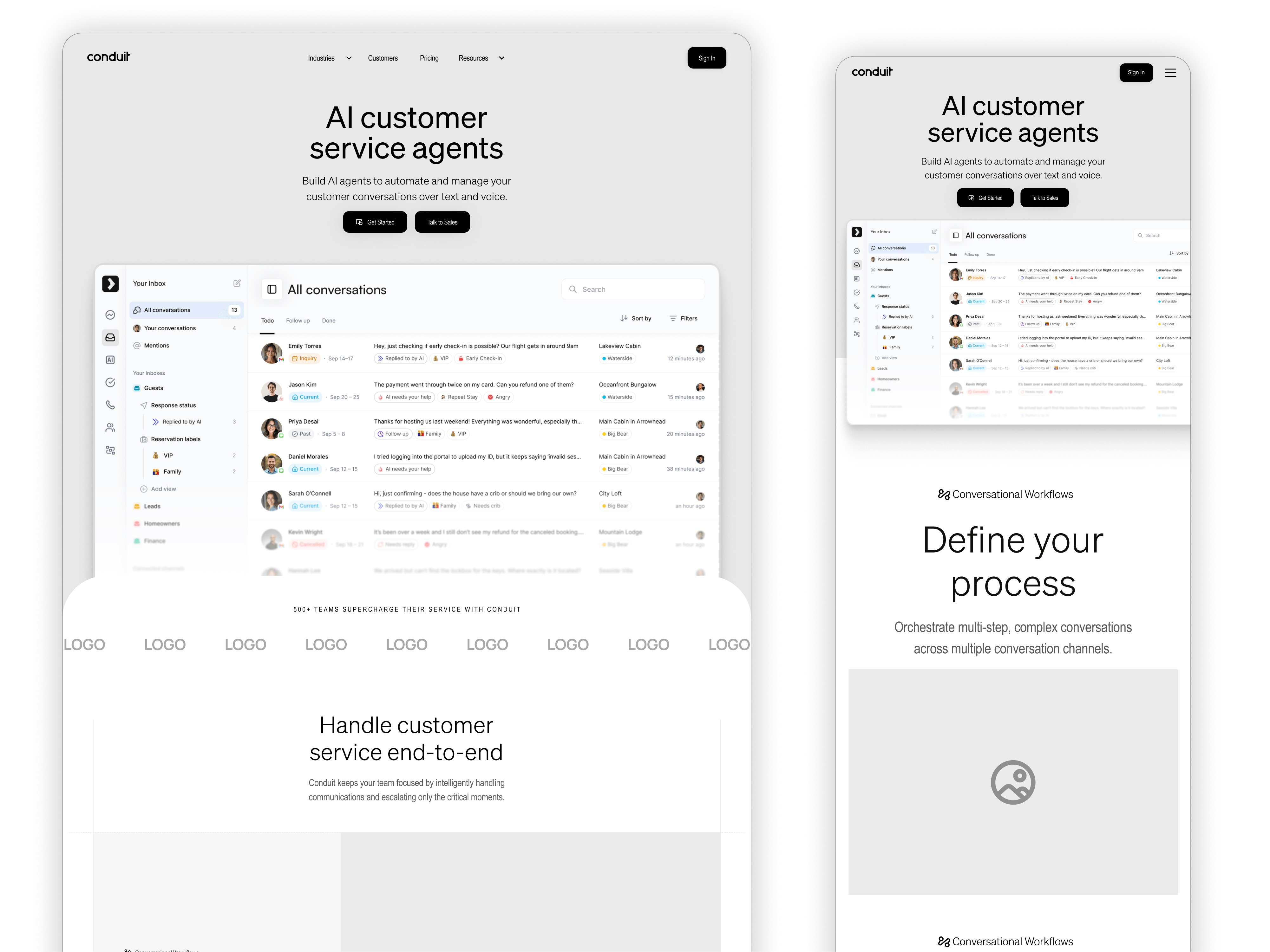
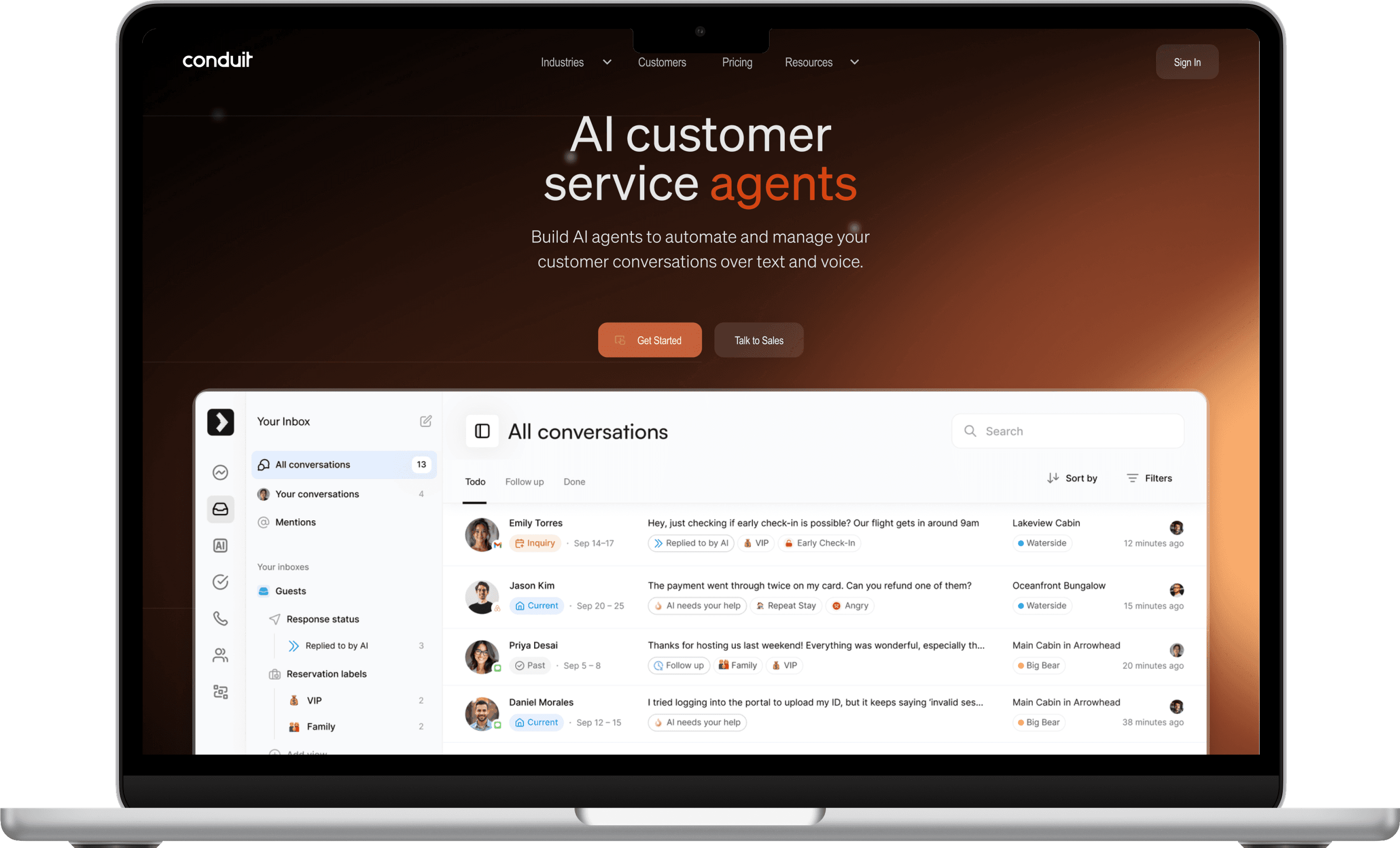
Conduit.ai is a SaaS based platform that helps businesses automate customer support using AI.
Our team designed the product from scratch. We defined the structure, interface, and overall experience. The goal was to make complex AI tools feel simple, trustworthy, and easy to use for non-technical users and business owners.

The Challenge

While AI customer-service tools are rapidly evolving, many existing platforms suffer from:


  • Steep learning curves that intimidate non-technical users

  • Generic dashboards overloaded with data but lacking clarity or guidance

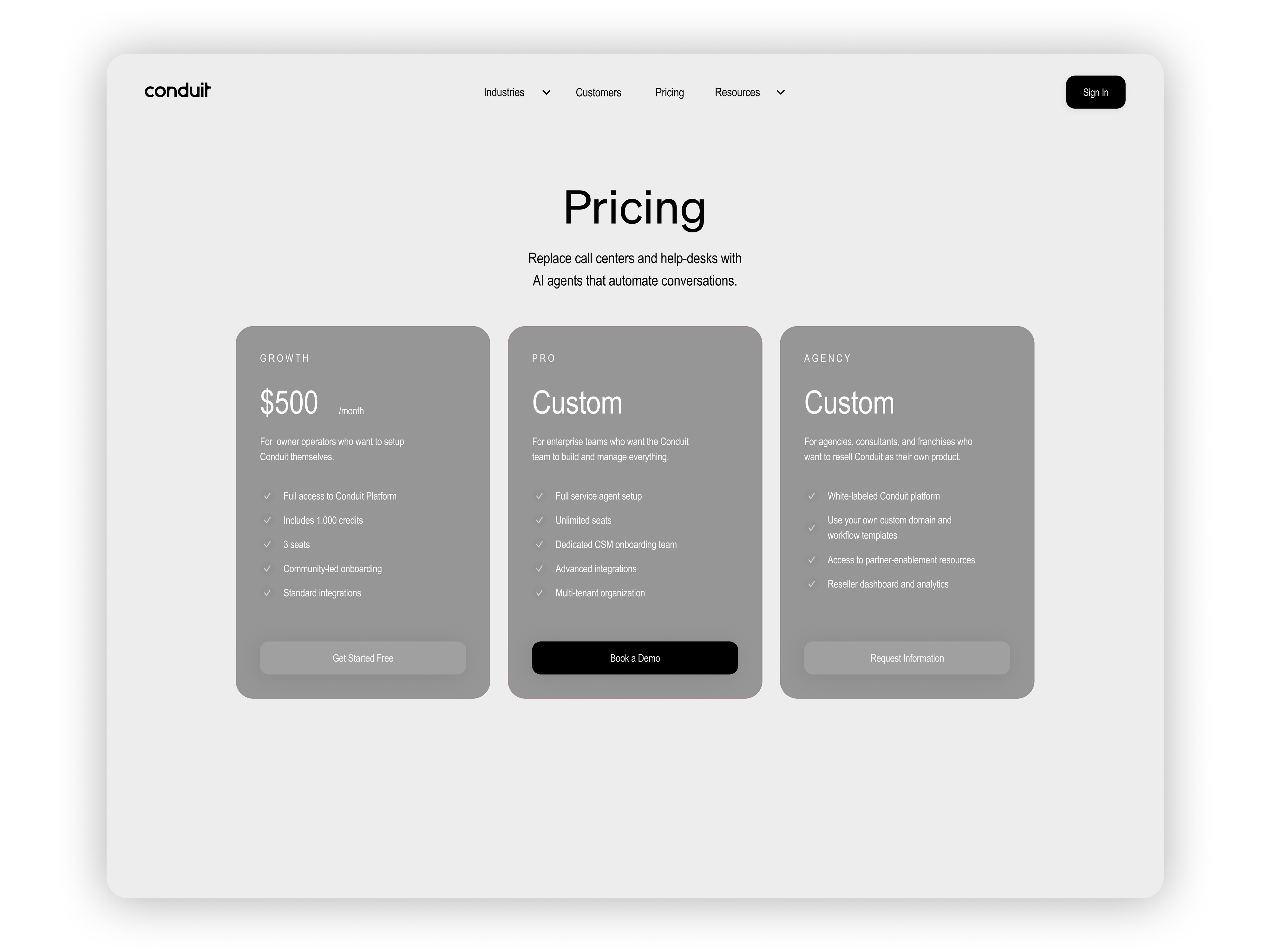
  • Unclear pricing and onboarding, leading to early abandonment

  • Low user trust, as customers are skeptical of AI handling human-facing tasks

Research shows that:

  • 30% of users abandon a brand after a poor chatbot experience

  • 64% of customers prefer not to use AI for support due to trust and transparency issues

Our challenge was to design an intelligent, transparent, and human-centered AI support platform. One that clearly communicates value, guides users effortlessly from setup to automation, and builds trust through great design and feedback loops.

Project Description

Conduit.ai is a SaaS based platform that helps businesses automate customer support using AI.
Our team designed the product from scratch. We defined the structure, interface, and overall experience. The goal was to make complex AI tools feel simple, trustworthy, and easy to use for non-technical users and business owners.

The Challenge

While AI customer-service tools are rapidly evolving, many existing platforms suffer from:


  • Steep learning curves that intimidate non-technical users

  • Generic dashboards overloaded with data but lacking clarity or guidance

  • Unclear pricing and onboarding, leading to early abandonment

  • Low user trust, as customers are skeptical of AI handling human-facing tasks

Research shows that:

  • 30% of users abandon a brand after a poor chatbot experience

  • 64% of customers prefer not to use AI for support due to trust and transparency issues

Our challenge was to design an intelligent, transparent, and human-centered AI support platform. One that clearly communicates value, guides users effortlessly from setup to automation, and builds trust through great design and feedback loops.

Competitor Analysis

Competitor Analysis

Intercom

Intercom

Strengths:

Strengths:

Well-known unified inbox, Copilot/AI help features, and omnichannel support

Well-known unified inbox, Copilot/AI help features, and omnichannel support

Gaps vs Conduit:

Gaps vs Conduit:

Intercom focuses on chat & inbox automation but does not prominently market production-grade stress-testing simulations or an explicit procedures/guardrail system for complex multi-step SOP enforcement the way Conduit does

Intercom focuses on chat & inbox automation but does not prominently market production-grade stress-testing simulations or an explicit procedures/guardrail system for complex multi-step SOP enforcement the way Conduit does

Zendesk

Zendesk

Strengths:

Strengths:

Mature omnichannel support, large knowledge base tooling, and growing AI capabilities (enterprise focus)

Mature omnichannel support, large knowledge base tooling, and growing AI capabilities (enterprise focus)

Gaps vs Conduit:

Gaps vs Conduit:

Zendesk emphasizes platform AI and knowledge graphs, but for partner/agency white-labeling and lightweight agency reseller workflows, Conduit’s agency tooling appears more explicitly packaged as it targets enterprise deployments and ecosystem integrations

Zendesk emphasizes platform AI and knowledge graphs, but for partner/agency white-labeling and lightweight agency reseller workflows, Conduit’s agency tooling appears more explicitly packaged as it targets enterprise deployments and ecosystem integrations

Ada

Ada

Strengths:

Strengths:

Strong automated resolution via AI bots and explicit Voice AI offering for call automation

Strong automated resolution via AI bots and explicit Voice AI offering for call automation

Gaps vs Conduit:

Gaps vs Conduit:

Ada focuses on automated resolutions and voice; however, Conduit’s combined emphasis on human-in-the-loop unified inbox + procedures/guardrails + stress testing appears more holistic for mixed human/AI workflows

Ada focuses on automated resolutions and voice; however, Conduit’s combined emphasis on human-in-the-loop unified inbox + procedures/guardrails + stress testing appears more holistic for mixed human/AI workflows

Research Process

Research Process

The research process focused on uncovering user needs and business goals to build a solid foundation for design.

The research process focused on uncovering user needs and business goals to build a solid foundation for design.

Define

Identified core pain points like user confusion and unclear AI behavior.

The main goal: make automation simple and human.

Ideate

Brainstormed ways to simplify setup and build trust by focusing on clean flows, clear feedback, and guided onboarding for users.

Prototype

The design team created interactive mockups showing the full journey from setup to AI conversations. Tested visuals and flow for clarity.

Design Process

Design Process

The design process was centered on understanding user needs and translating them into a smooth AI experience through various steps

The design process was centered on understanding user needs and translating them into a smooth AI experience through various steps

Research

Studied user behavior and competitor platforms to understand pain points around AI setup and trust.

Analysis

Grouped insights, defined personas, and outlined key problems to solve by putting users first.

Design

Created wireframes and visual systems centered on simplicity and a clean, trustworthy interface.

Testing

Validated designs with real users to identify friction points and refine usability before development.

Implementation

Collaborated with developers to bring the final design to life and responsive across all devices.

Solutions Implemented

Solutions Implemented

After a lot of brainstorming and research, we were able to come up with the core solutions and functionalities that shape Conduit’s AI-powered customer support experience listed below:

After a lot of brainstorming and research, we were able to come up with the core solutions and functionalities that shape Conduit’s AI-powered customer support experience listed below:

Solution 01

Unified Inbox

Central hub where AI and human agents manage all conversations.
Simplifies workflows and keeps customer communication consistent.

Solution 02

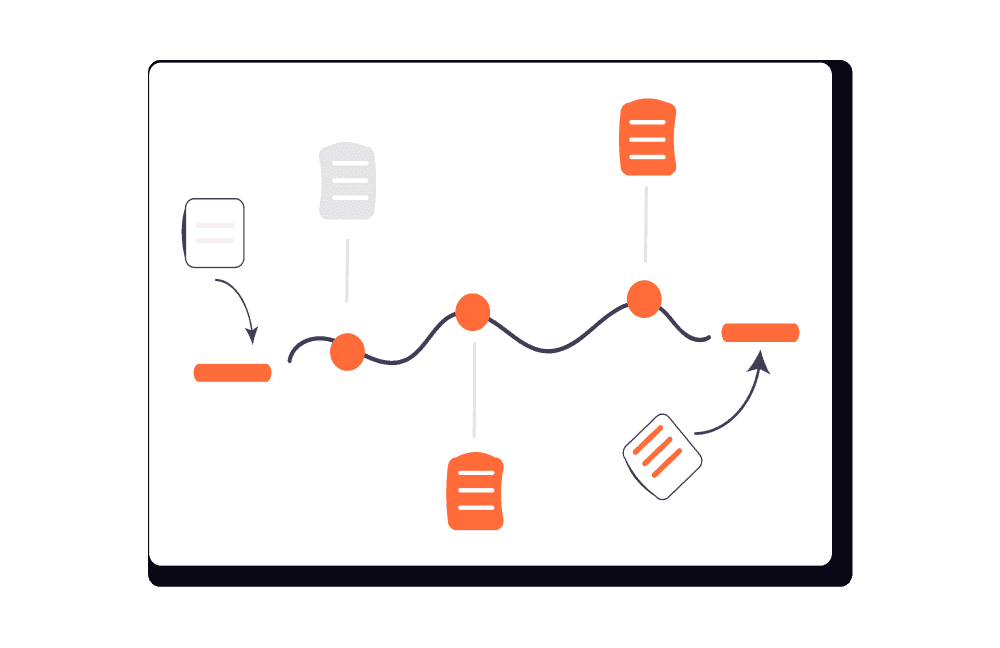
Conversational Workflows

Automates multi-step actions based on triggers and responses.
Reduces manual effort and speeds up issue resolution.

Solution 03

Voice AI

Handles real-time customer calls with natural speech.
Expands automation beyond chat and improves accessibility.

Solution 04

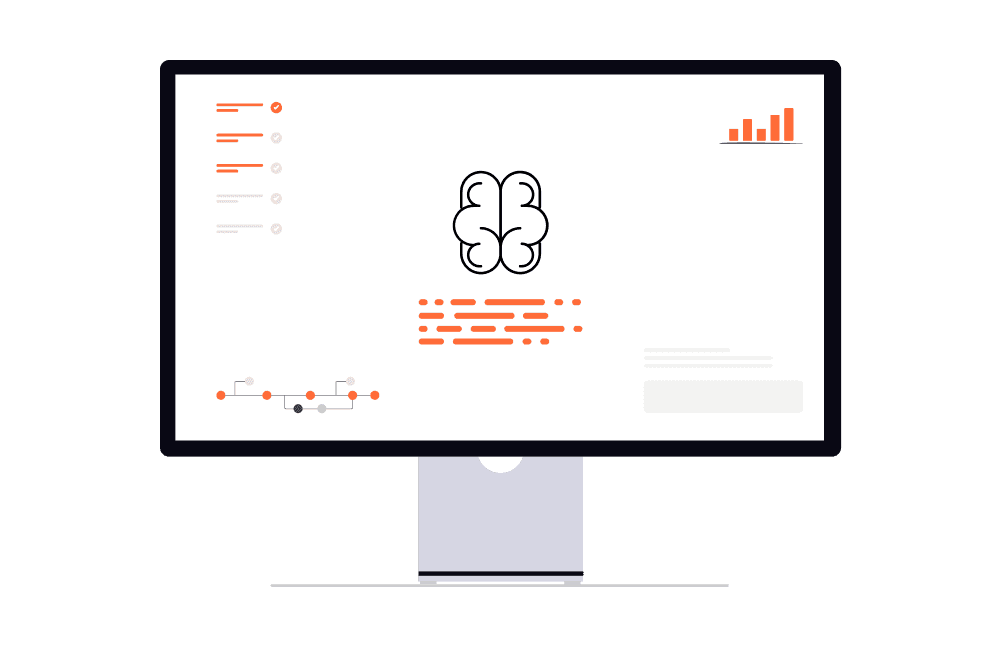
Adaptive AI Agents

Smart agents that learn, adapt, and gain new tools over time.
Builds trust and improves automation accuracy for users.

Solution 05

Reporting & Insights

Tracks performance, resolution rates, and customer trends.
Helps businesses measure ROI and optimize support strategies.

Results After Launch

Results After Launch

Results After Launch

+57%

Weekly surge in active users after product launch

#4

Product of the Day on Product Hunt with a 4.9★ user rating

$150K+

Monthly Revenue profit made from conversion focused designs

Typography & Color

Typography & Color

Söhne was chosen for its modern humanist feel that balances precision with warmth. Its clean geometry and versatile weights enhance readability and give Conduit a trustworthy voice across all interfaces.

Söhne was chosen for its modern humanist feel that balances precision with warmth. Its clean geometry and versatile weights enhance readability and give Conduit a trustworthy voice across all interfaces.

Söhne

Söhne

Söhne

Bold

Lorem ipsum dolor sit amet, consectetur

Medium

Lorem ipsum dolor sit amet, consectetur

Regular

Lorem ipsum dolor sit amet, consectetur

Light

Lorem ipsum dolor sit amet, consectetur

Söhne

Söhne

Söhne

Söhne is a modern neo-grotesque typeface inspired by Helvetica and designed for clarity.

64 Styles

Heading 1

3.938 rem

63 px

63px line height

Heading 2

3 rem

48 px

56px line height

Heading 3

2.5 rem

40 px

48px line height

Body L

1.375 rem

22 px

32px line height

Body S

1.25 rem

20 px

32px line height

Highlight

0.75 rem

12 px

18px line height

#C65F39

#C65F39

#C65F39

Primary

#C65F39

Base

#2A33CC

Gradient

#C65F39

#C65F39

#C65F39

#C65F39 was chosen as the primary color for its warm tone that conveys confidence while creating a strong visual contrast against neutral backgrounds.
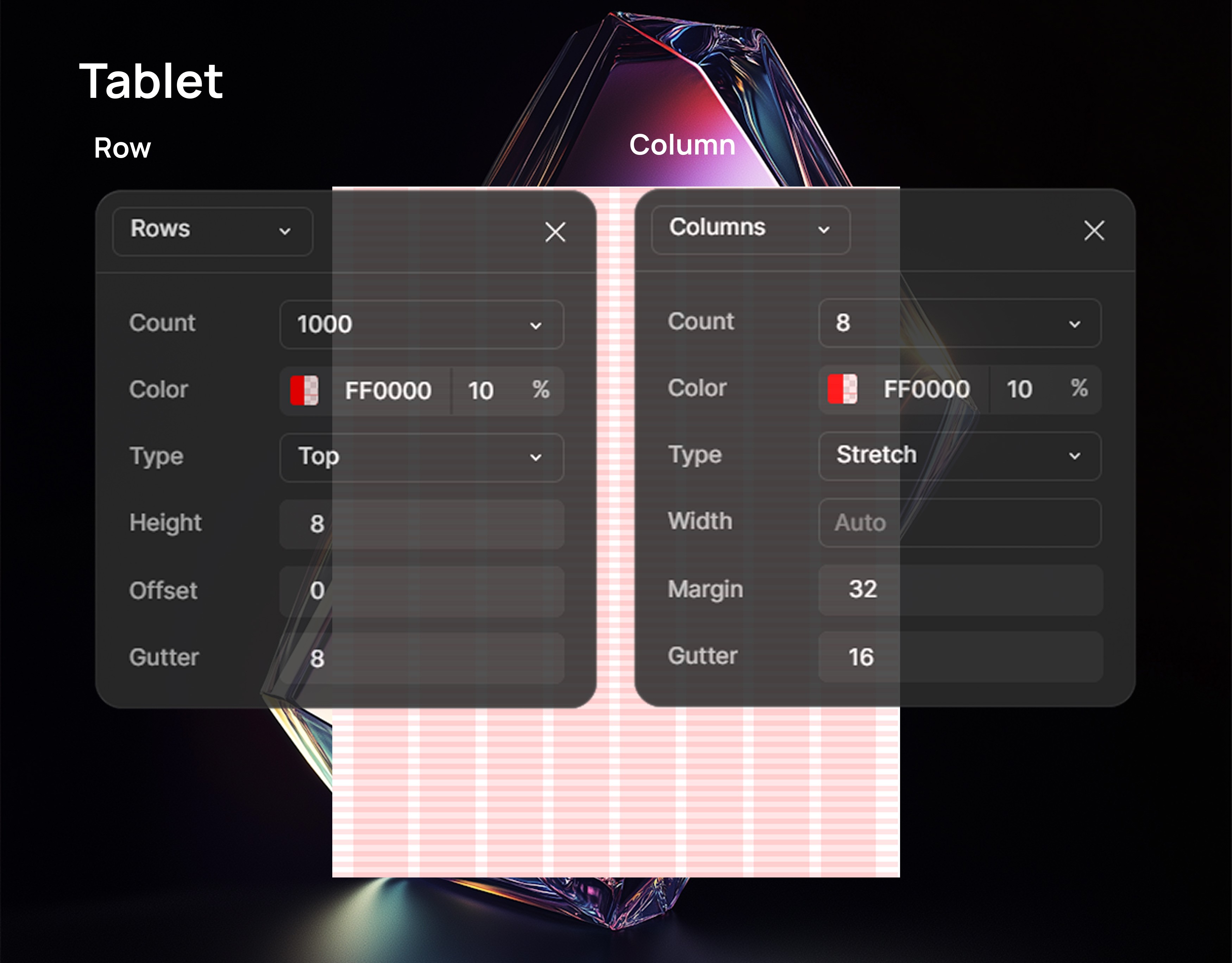
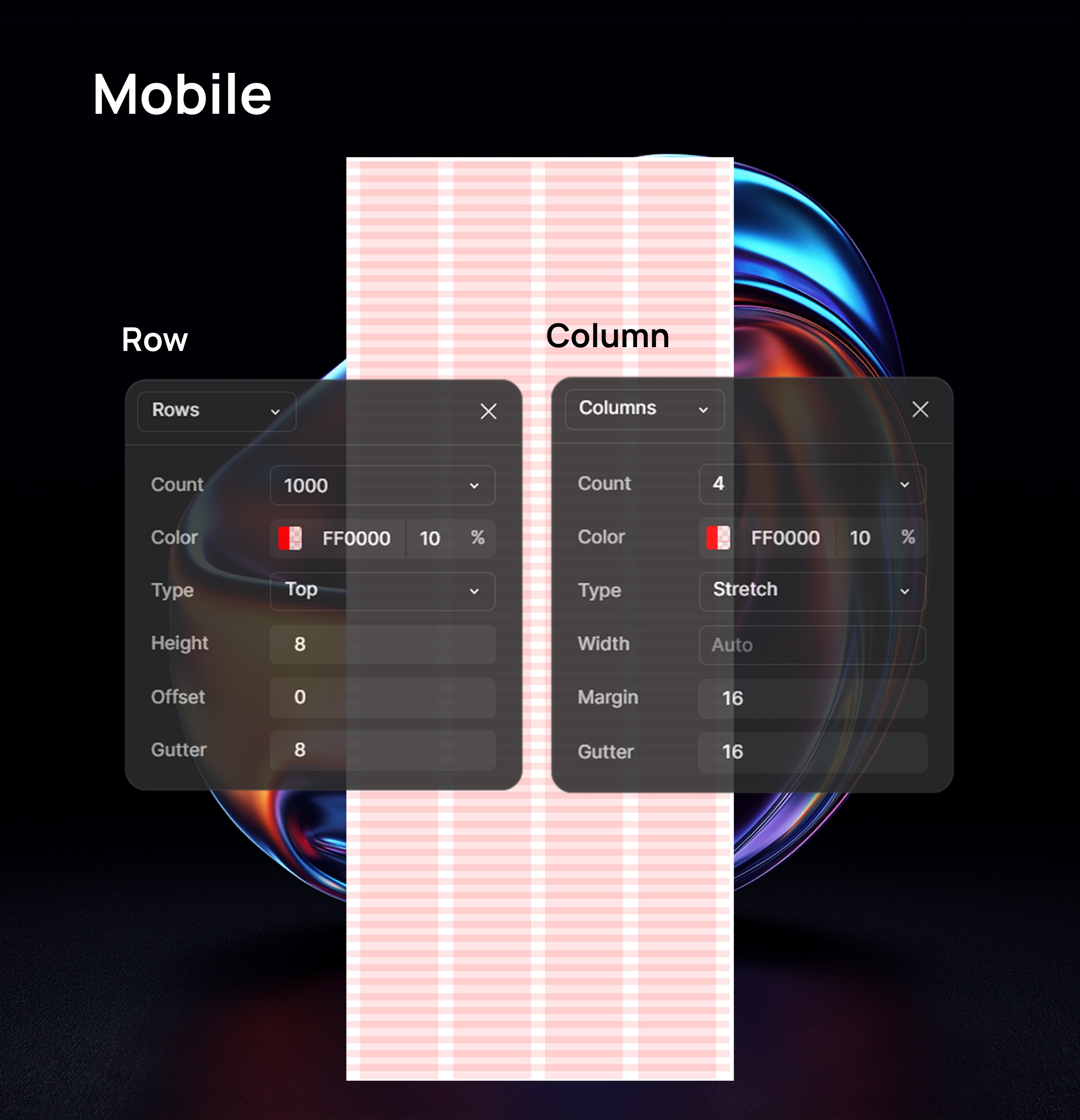
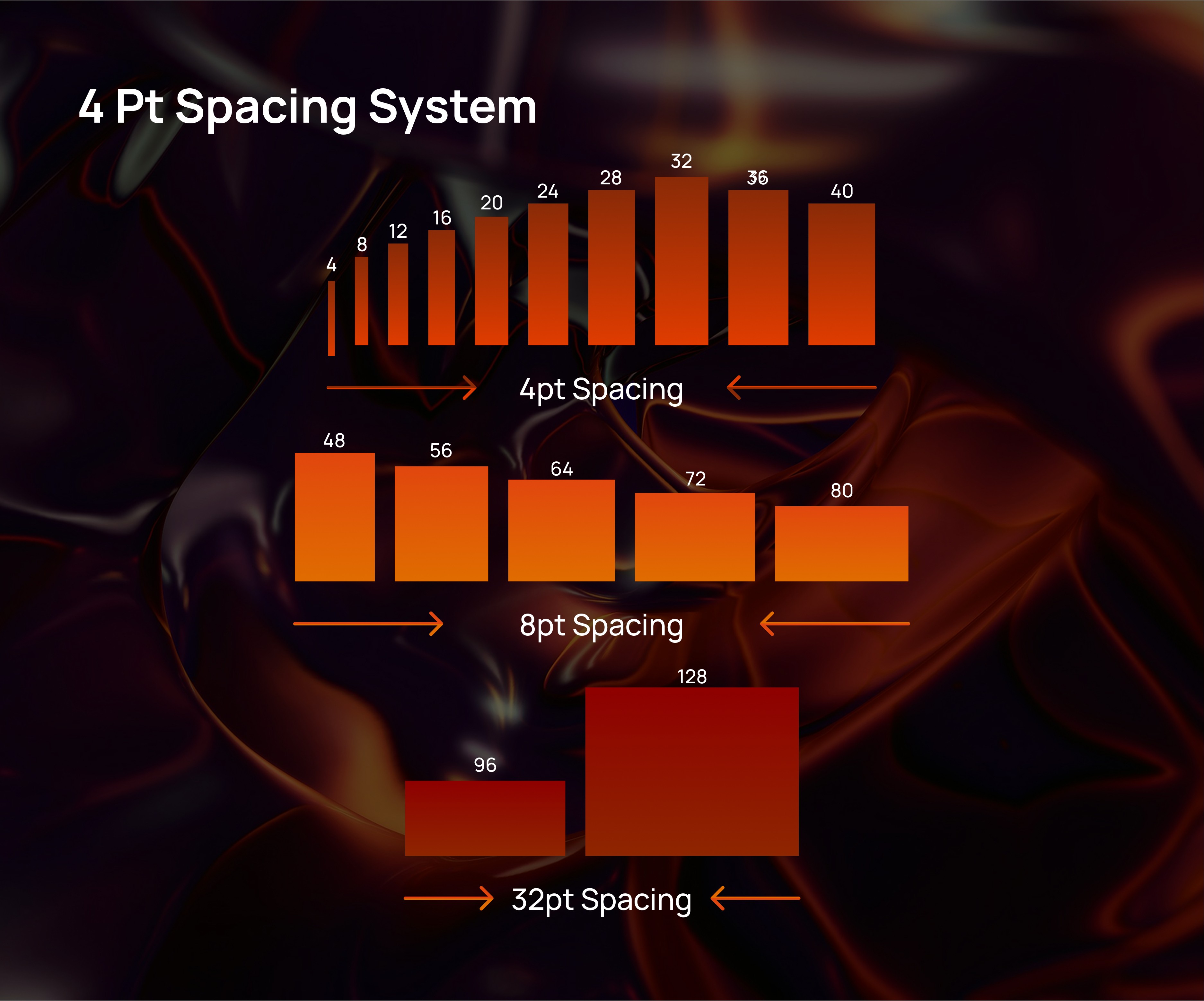
Grid & Spacing

Grid & Spacing

High Fidelity Wireframe

High Fidelity Wireframe

See It Live

Discover how Conduit brings simplicity and intelligence together in every interaction.

Product & UI/UX Designer for SaaS

Product & UI/UX Designer for SaaS

Product & UI/UX Designer for SaaS

Create a free website with Framer, the website builder loved by startups, designers and agencies.